
How to create a YouTube channel
2. Head over to your YouTube settings

3. Create your channel
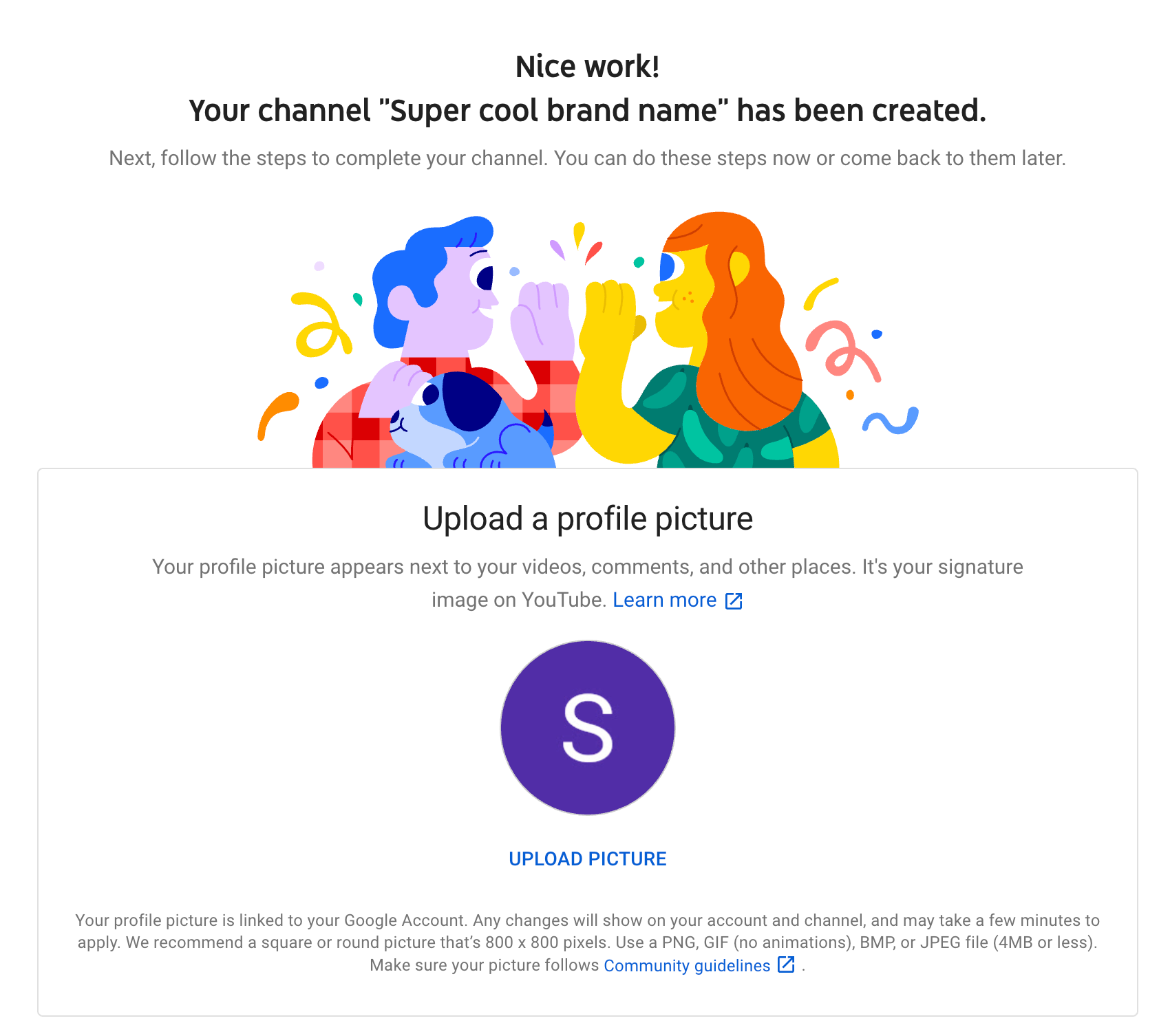
- Uploading a profile picture
- Adding a description of your channel
- Adding links to your sites – this can include custom links to a website or blog as well as social links to Instagram or Twitter
If you have a Google account, you can watch, share and comment on YouTube content. However, Google accounts don’t automatically create YouTube channels. Getting a new channel set up is a simple and quick process, though.
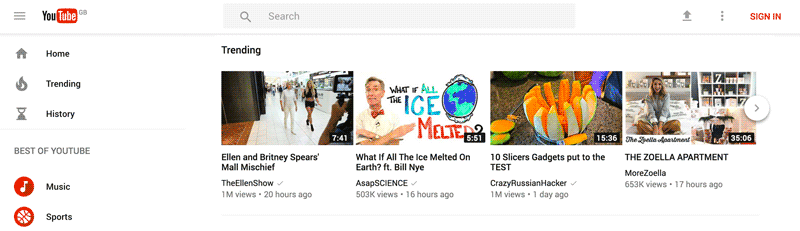
Head over to YouTube.com and click ‘sign in’ in the top right corner of the page:
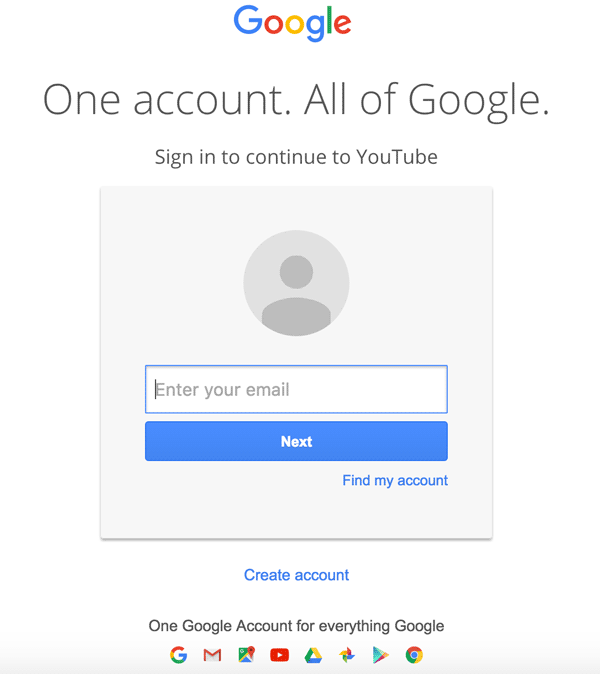
Then log in using the Google account you’d like your channel to be associated with:
In the top right corner of the screen, click on your profile icon and then click "Create a channel."
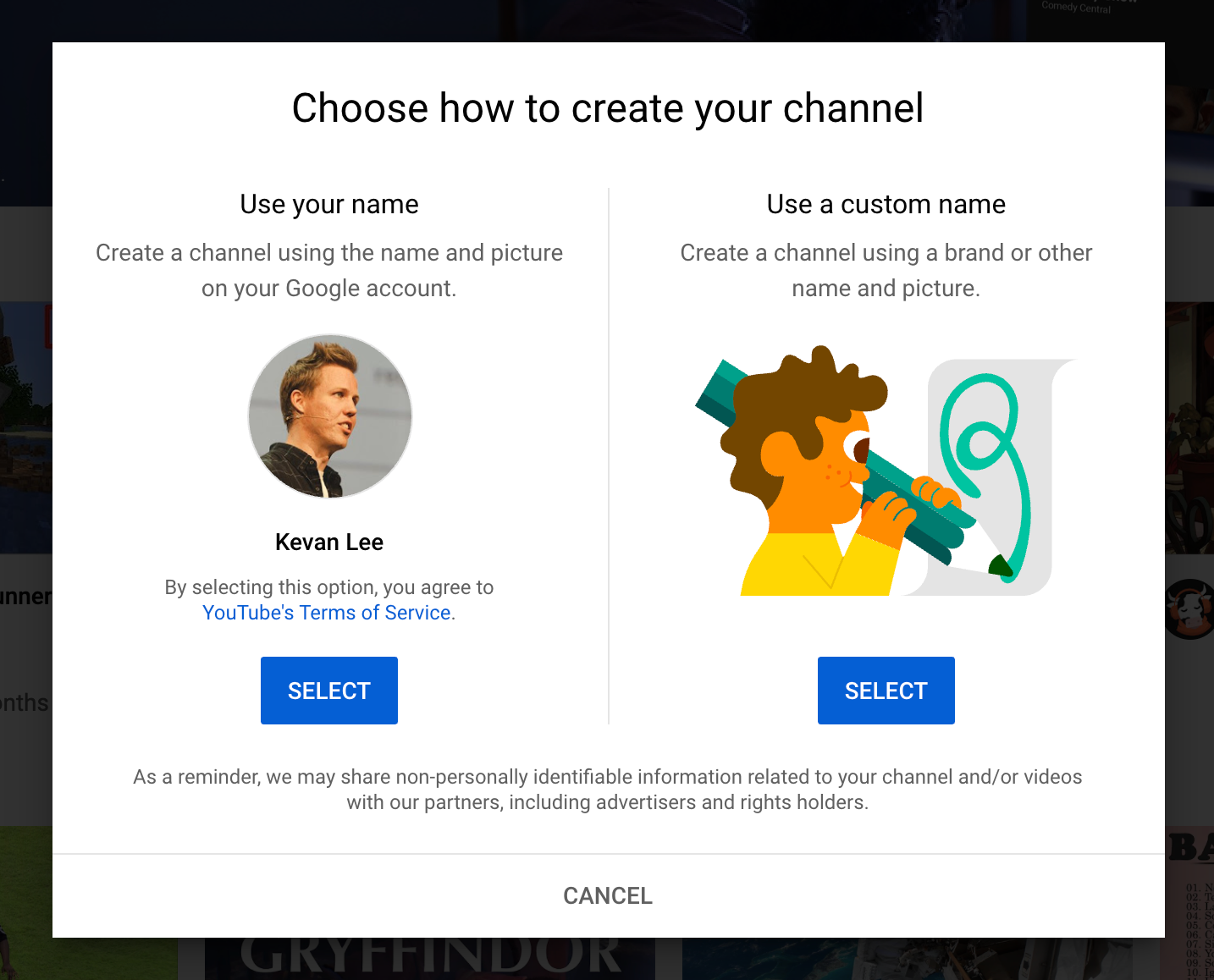
Next, you’ll have the option to create a personal channel or a create a channel using a business or other name. For this example, we’ll choose the "Use custom name" option, which is recommended for small businesses and brands:
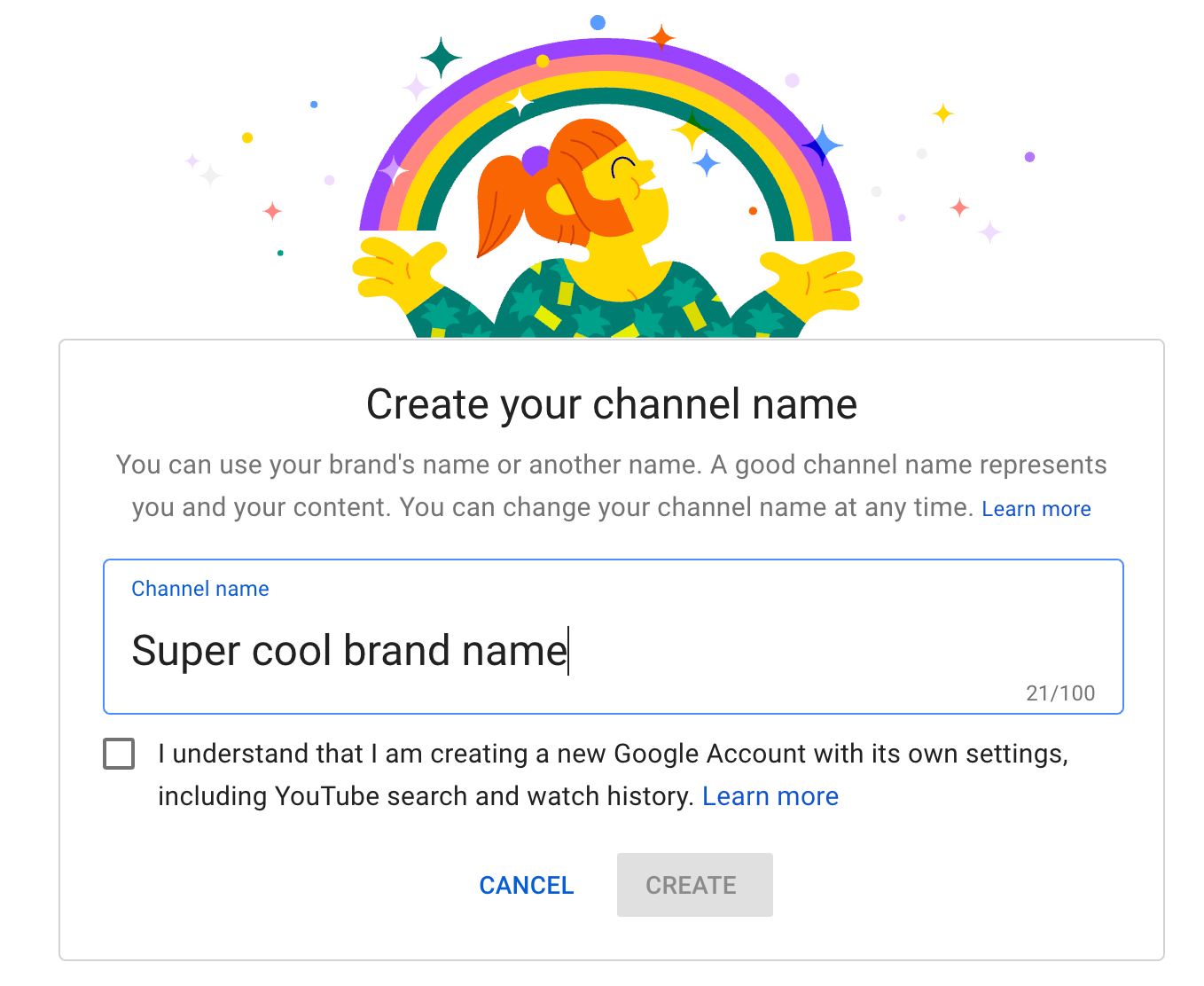
Next, you'll name your channel.
Note: As you'll see from the settings at this step, creating a new channel name will also create a new Google account with its own settings and YouTube history. This account nests within your main Google account and can be fully managed from the Google settings. It's quite useful as you can use this new account to like and comment on other YouTube videos and participate in YouTube as your brand.
After this step, you'll have the chance to further customize your channel. You'll see options for:
Congratulations! You’ve just created a new YouTube channel! 🎉
WATCH THE BELOW VIDEO FOR MORE INFORMATION


No comments:
Post a Comment